iPhone
Codeshot for iPhone
The same app as on the Mac, on the device the code usually ends up being shared from. Everything runs on the phone — no web page, nothing uploaded.
DownloadOn the App Store · One purchase for Mac and iPhone

Three taps, start to finish
-
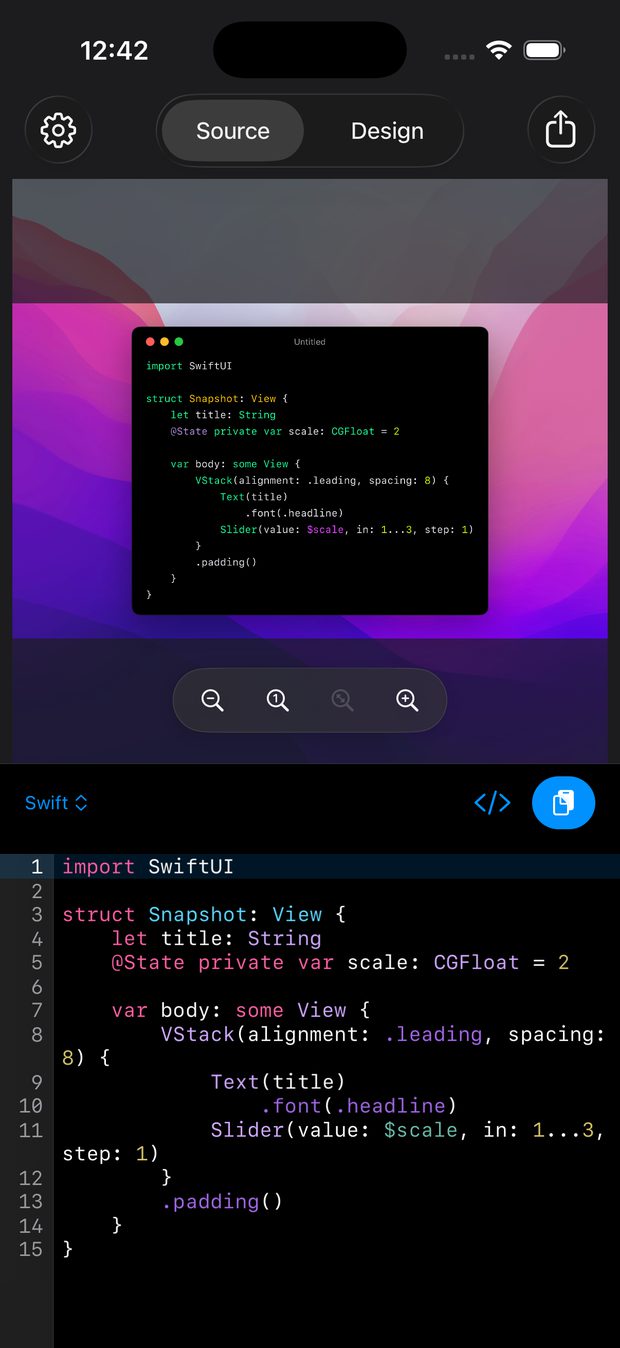
Paste
Universal Clipboard means what you copied on the Mac is already on the phone. One tap and it is a highlighted snippet, with the language detected from the code across 60 of them.
-
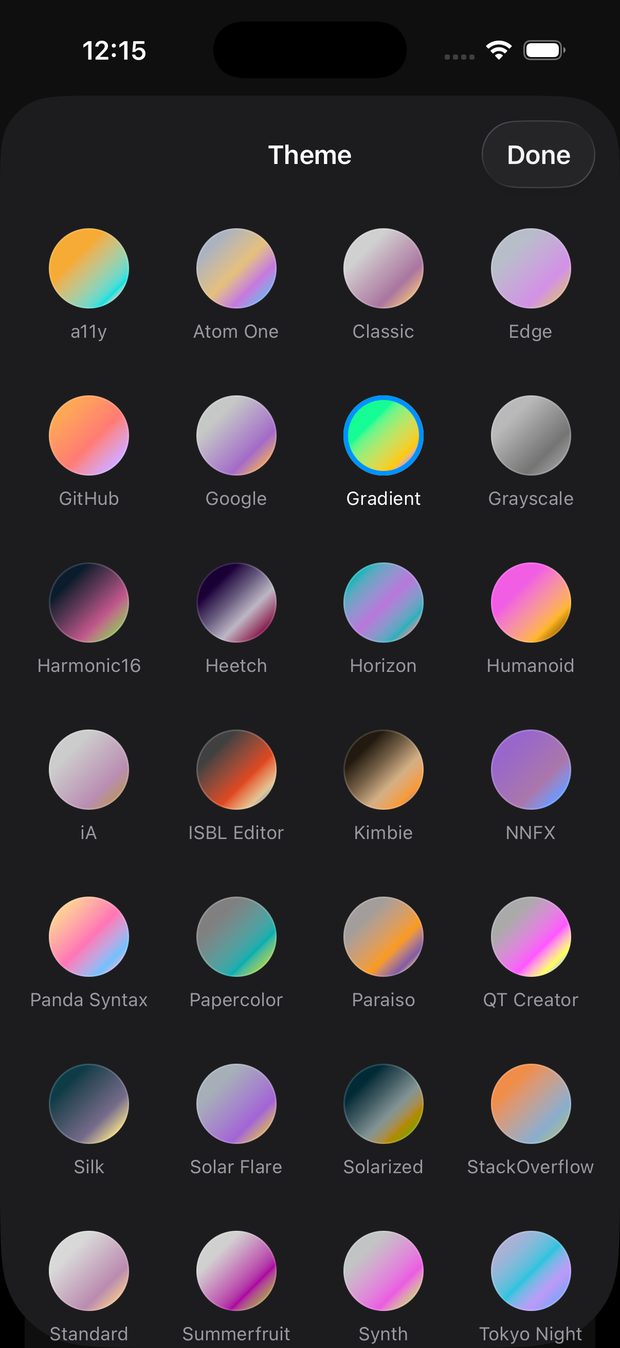
Style
30 syntax themes, each with a light and a dark variant. Sit the snippet on a macOS wallpaper, one of 92 gradients, a solid colour, or nothing at all for a transparent export.
-
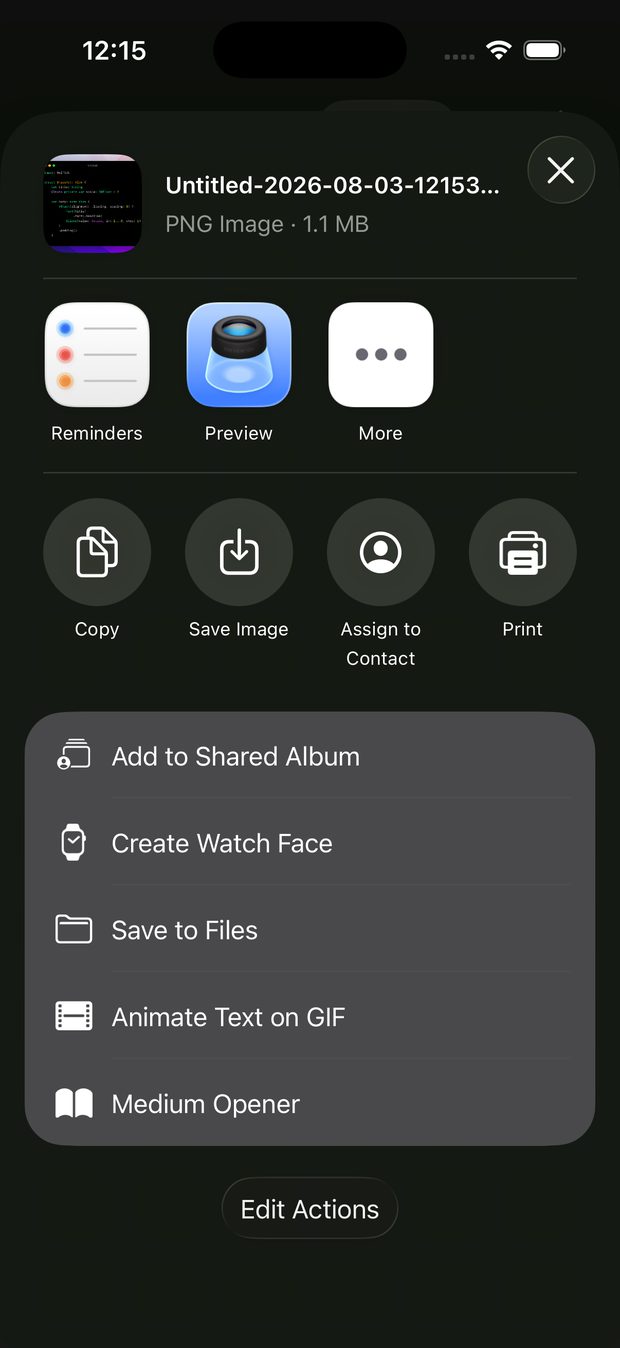
Share
Lock a ratio from 1:1 to 9:16 or let the size follow your content, then export straight into the share sheet — Messages, Slack, a draft post, Files, or the photo library.


What stays on the Mac
Two things do not come across, and it is better to say so than let you find out. The Shortcuts integration is macOS-only, so the Finder quick action and the clipboard hotkey are Mac workflows. Exporting to a fixed output folder is Mac-only too. Everything else — themes, languages, backdrops, ratios, formatting — is the same app.
One purchase, both devices
Buy it once and it is on your Mac and your iPhone. If you already own it, iPhone is already yours.
DownloadOn the App Store · One purchase for Mac and iPhone